Tour 8 screens
The panel, screen by screen.
Eight screens from KLYRN VM 1.0.1, in the order you would meet them. They were captured from the panel itself on a demonstration estate: invented hostnames and addresses from ranges reserved for documentation. No customer appears here. Switch this site's theme and the screens switch with it.
01 / 08
The first screen says what needs you.
The operator's Overview opens with a sentence, here "6 things need you. 3 of them are serious.", and lists them worst first: a node that is offline, a host that cannot run guests, an address pool that is 85% allocated.
Beside the list is capacity across the estate: memory, processors, storage and IPv4 addresses, each as a share of what the hardware holds. Work in flight sits under it.


02 / 08
Every host, and what it is promising.
Three hosts in three states: one degraded and in observe mode, one online, one offline and last seen three hours ago. Memory and storage say whether a figure is live use or what has been promised, and say "overcommitted" when the promise is larger than the host.
The offline node reads "Not reported" instead of showing an old number as if it were current. The line at the top is the panel noticing that node-01 runs an older agent than the controller, with the button to update it.


03 / 08
A machine in five short steps.
System, size, where, access, name. The first step is the choice between a clean operating system and one with an application already installed: Docker Engine, PostgreSQL 16, WordPress, Ollama, Hermes Agent or Node.js.
Under it, the image the disk is built from, by system and version. The page says up front that any problem is flagged before you create.


04 / 08
One machine, one page.
web-02 is running. Its address, its size, where it lives and who owns it are on one line, and Shut down, Restart, Console and More are on the next.
Below that: how long it has been up, its last backup, and processor, memory and network over the last hour, day or week. On the right is the exact ssh command to reach it, and which user that system logs in as.


05 / 08
Moving a machine to another host.
Move to another node is under More. Before it offers anything, KLYRN checks every other node.
On this demonstration estate neither of the other two can take web-02, and the panel says why for each: one is not a host KLYRN places machines on, the other is not connected. You get the reason up front instead of a move that fails halfway.


06 / 08
Backups that say when they are not happening.
The page leads with the problem: one machine has a failing schedule, out of 8 scheduled. Then the backup server's disk, 3.3 TB free of 10.2 TB, and coverage: 21 of 24 machines have a complete backup from the last seven days.
Each failure is named with its cause and what to do about it, and with whether the panel will try again on its own or has stopped and needs a look.


07 / 08
Plans: what you sell.
Four plans here, from 1 vCPU and 2 GB up to 8 vCPU and 16 GB. A plan is a size, its addresses, a monthly traffic allowance and a backup schedule, and it is either offered to customers or not.
The note under the table explains where the allowance and the schedule are set, because each decides when a change starts to apply.


08 / 08
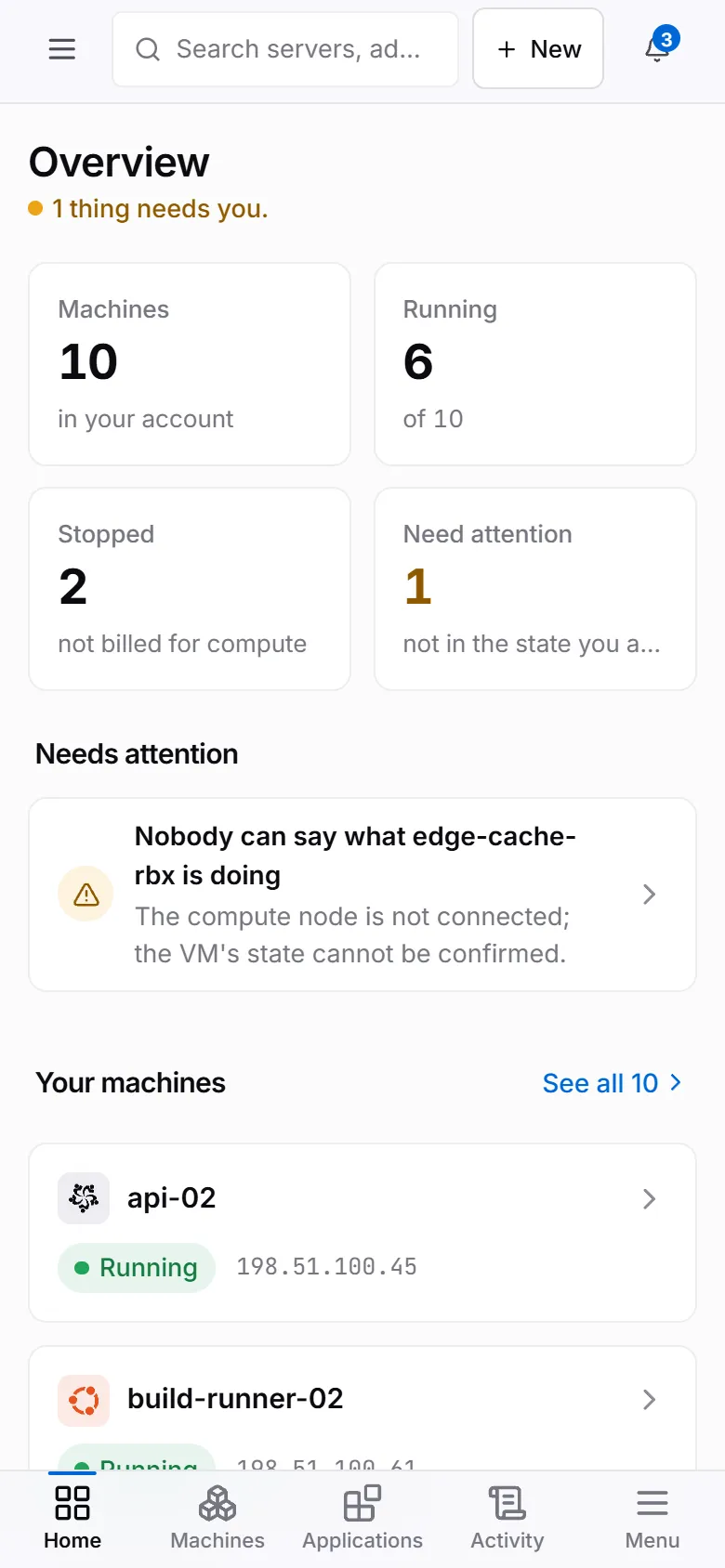
What your customer sees on a phone.
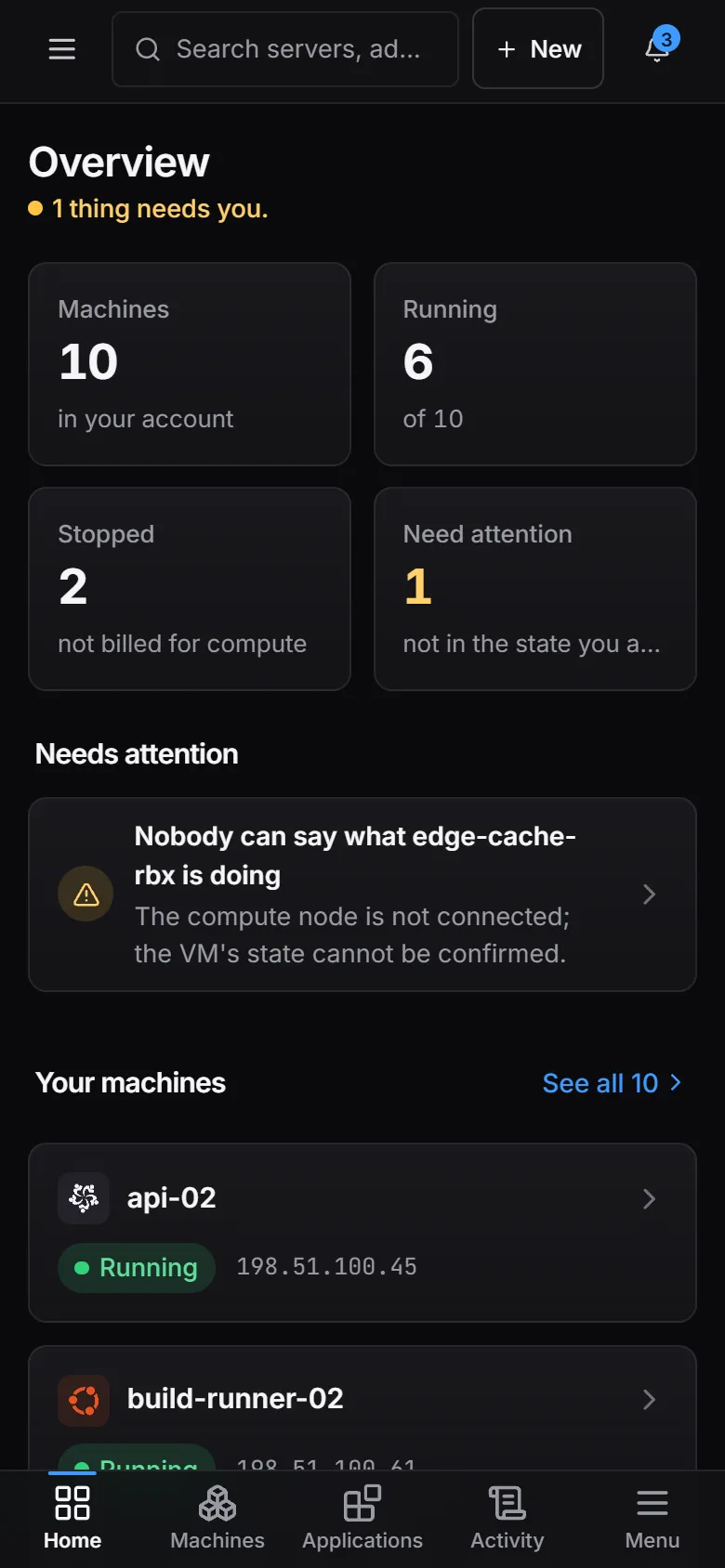
Signed in as a customer, the same panel shows that customer's machines and nothing else: 10 here, 6 running, and 1 that needs attention, with the reason in a sentence.
Home, Machines, Applications and Activity are in a tab bar along the bottom, with a menu for the rest. No node, no other customer, no provider settings.
Now run it on your own hardware.
One command on any systemd Linux. The first compute node is free.